DOCX
Editable document
Clean headings, answer labels, lists and document metadata are preserved for editing in Word-compatible workflows.
Save AI conversations locally as clean PDF, DOCX, Markdown, HTML, TXT or JSON files. No broad permissions. No chat uploads.

These previews are generated from the same neutral home-office test chat exported through GingerCat.
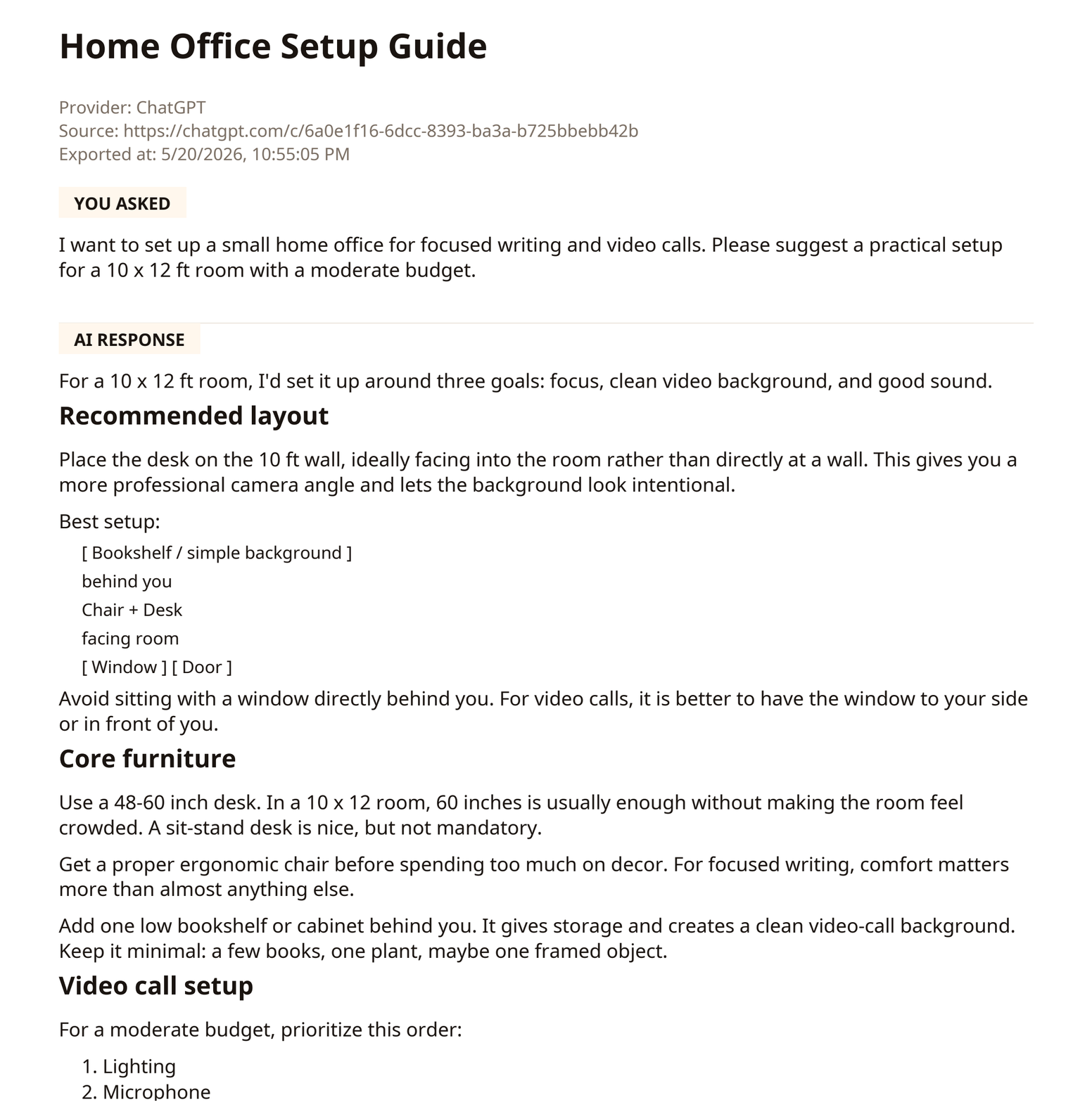
Clean headings, answer labels, lists and document metadata are preserved for editing in Word-compatible workflows.
# Home Office Setup Guide

- Provider: ChatGPT
- Exported at: 5/20/2026

## You asked

I want to set up a small home office...

## AI response

### Recommended layout

1. Lighting
2. Microphone
3. Camera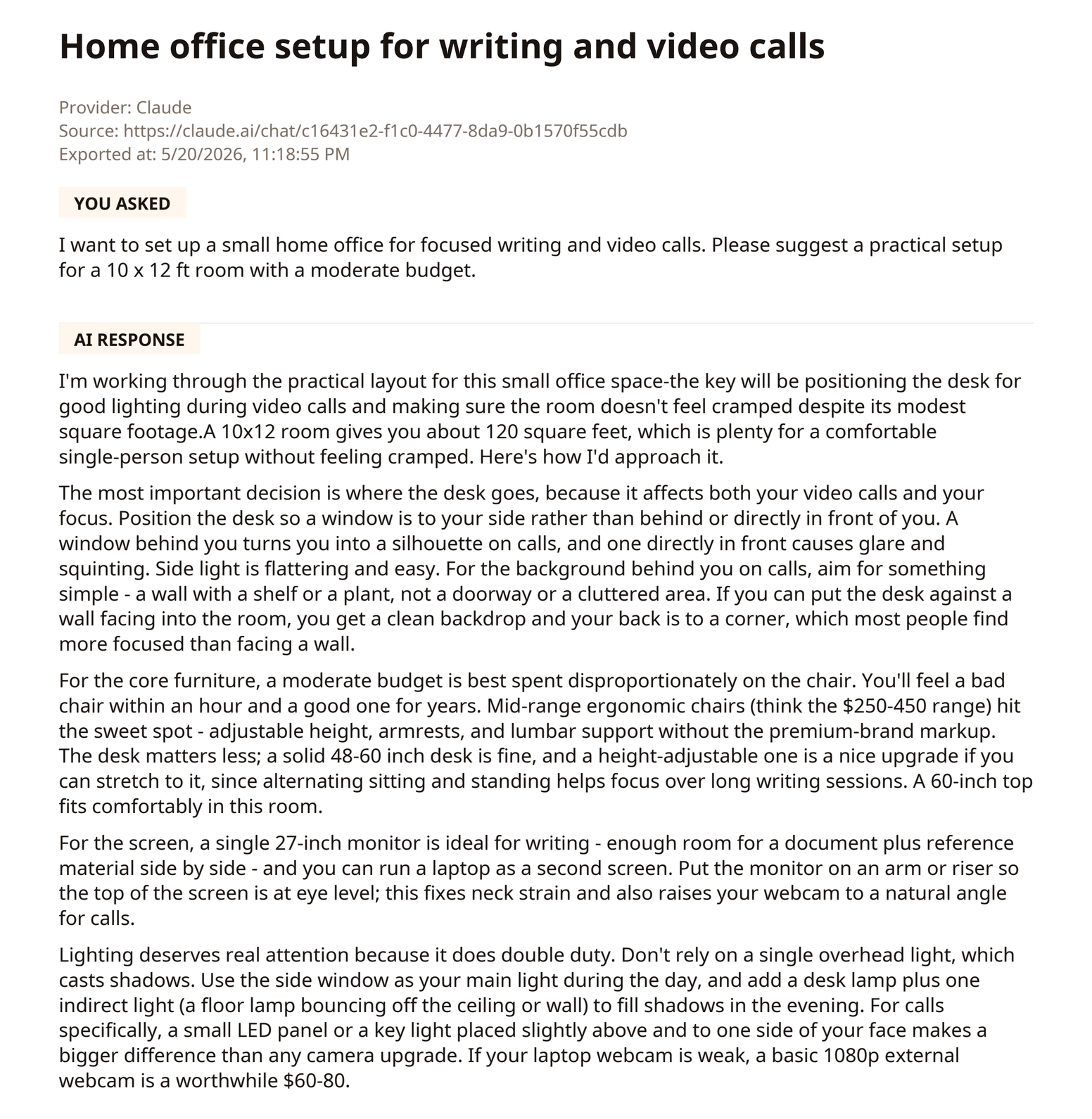
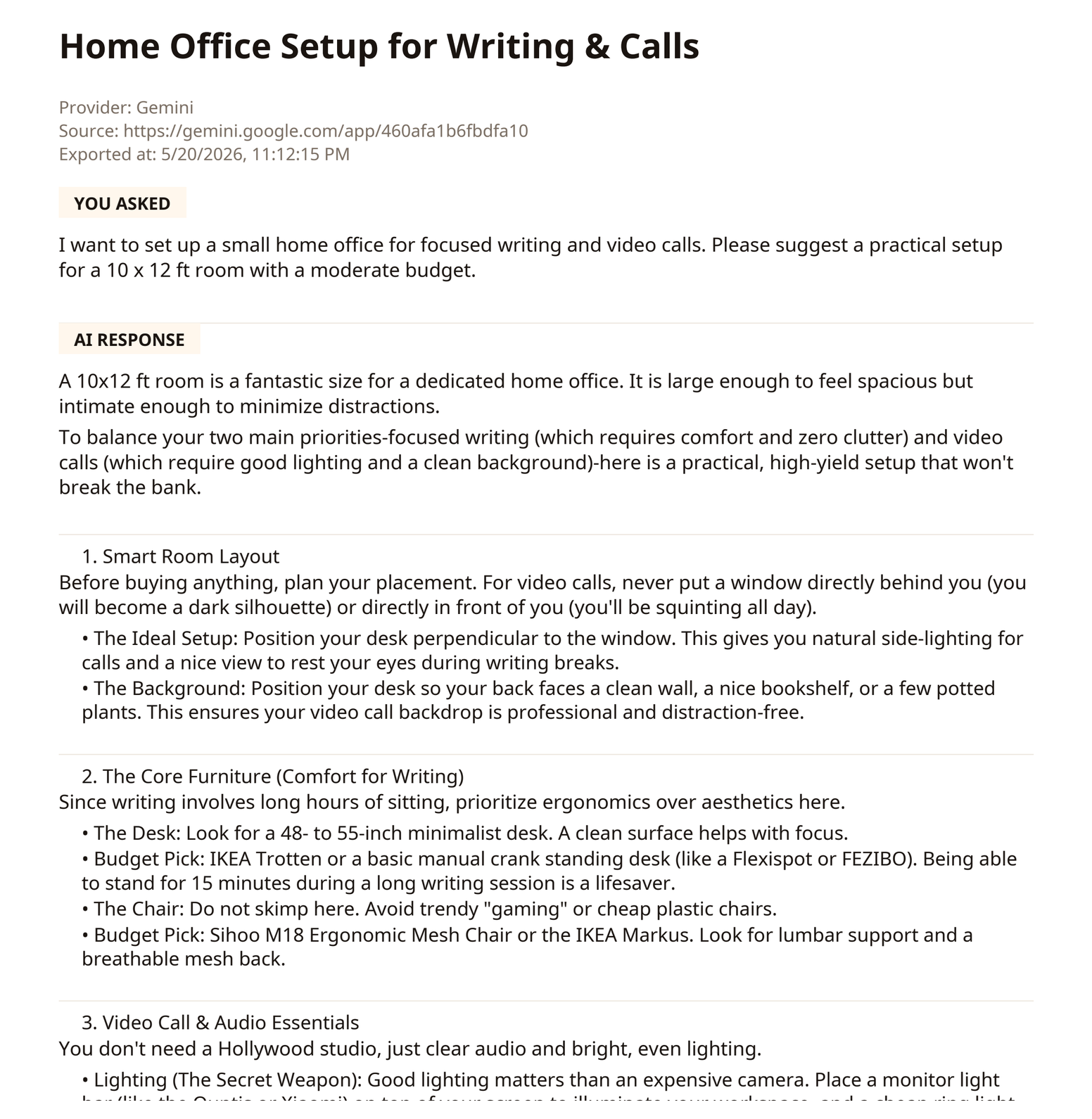
GingerCat is optimized for the web versions of ChatGPT, Claude and Gemini, with clean exports instead of screenshots or visible-page dumps.
Export useful conversations from chatgpt.com and keep them as readable files. ChatGPT export guide.
Save long research, writing and planning chats with structure preserved where possible. Claude export guide.
Archive Gemini web chats with text, formatting and visible image references where available. Gemini export guide.
Choose the format that fits the job: sharing, editing, notes, archives or technical workflows.
Readable archive for sharing, printing and keeping polished records.
Editable document export for reports, notes and writing workflows.
Plain, portable format for developers, docs and note systems. Markdown export guide.
Browser-readable archive with structure preserved in a standalone file.
Simple text backup when you need the lightest possible export.
Structured archive for technical workflows and future processing.
Short answers for the trust checks that matter.
No. Basic exports are generated locally in your browser. We do not upload your conversations to our servers.
No. The current release is optimized for ChatGPT, Claude and Gemini web chats.
No. GingerCat extracts structured chat content and creates clean files with headings, lists, code blocks, tables and quotes where possible.
Long chats can take time, especially PDF and DOCX. GingerCat detects large exports and shows progress text while files are generated.